

A ZIET deployment app (React frontent with serverless Node.js functions) written in TypeScript to store your thoughts in a private GitHub repository.
🌟 Features
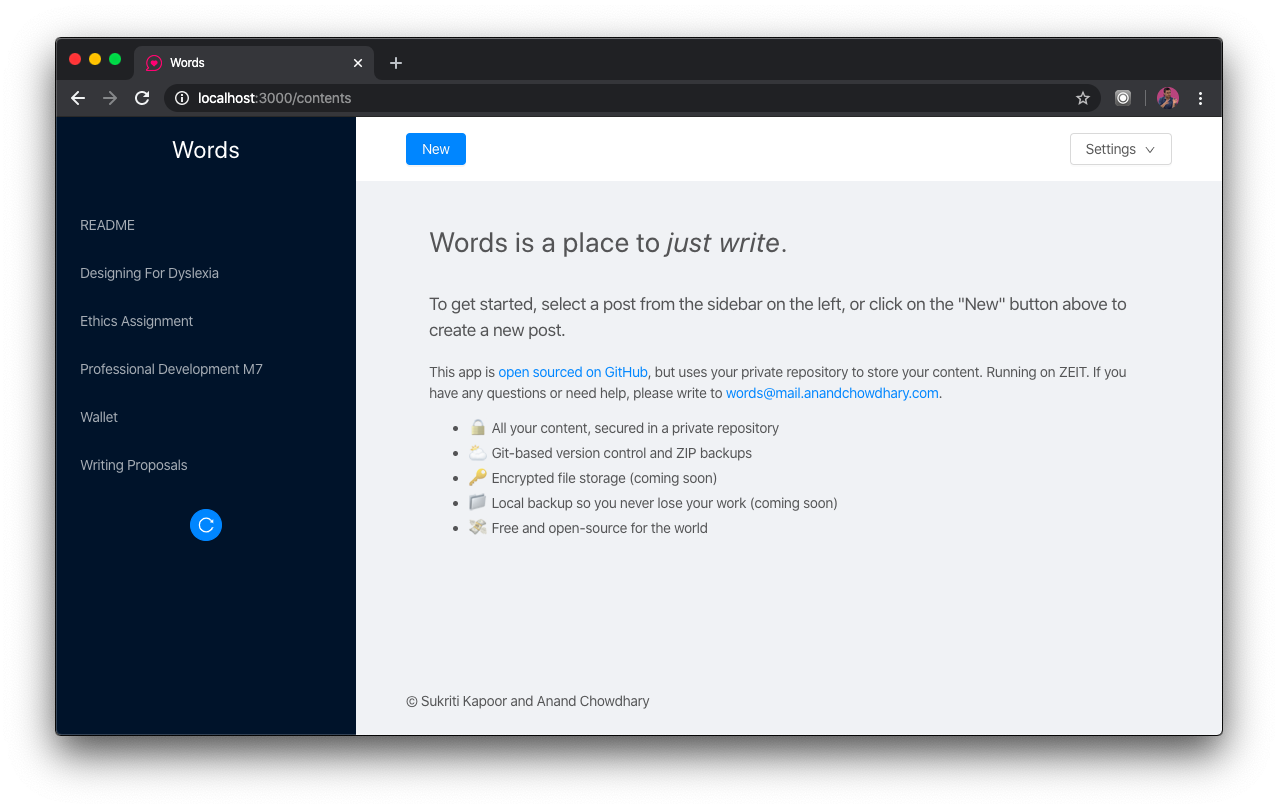
- 🔒 All your content, secured in a private repository
- ⛅ Git-based version control and ZIP backups
- 🔑 Encrypted file storage (coming soon)
- 📁 Local backup so you never lose your work (coming soon)
- 💸 Free and open-sourced for the world
|
|
|
|
🔨 Development
To get started, add the environment variable FINDING_ANAND_ACCESS_TOKEN with your GitHub access token. Then, edit the ./common/config.ts file with your repository name and JWT config:
To start a local server:
npm run local
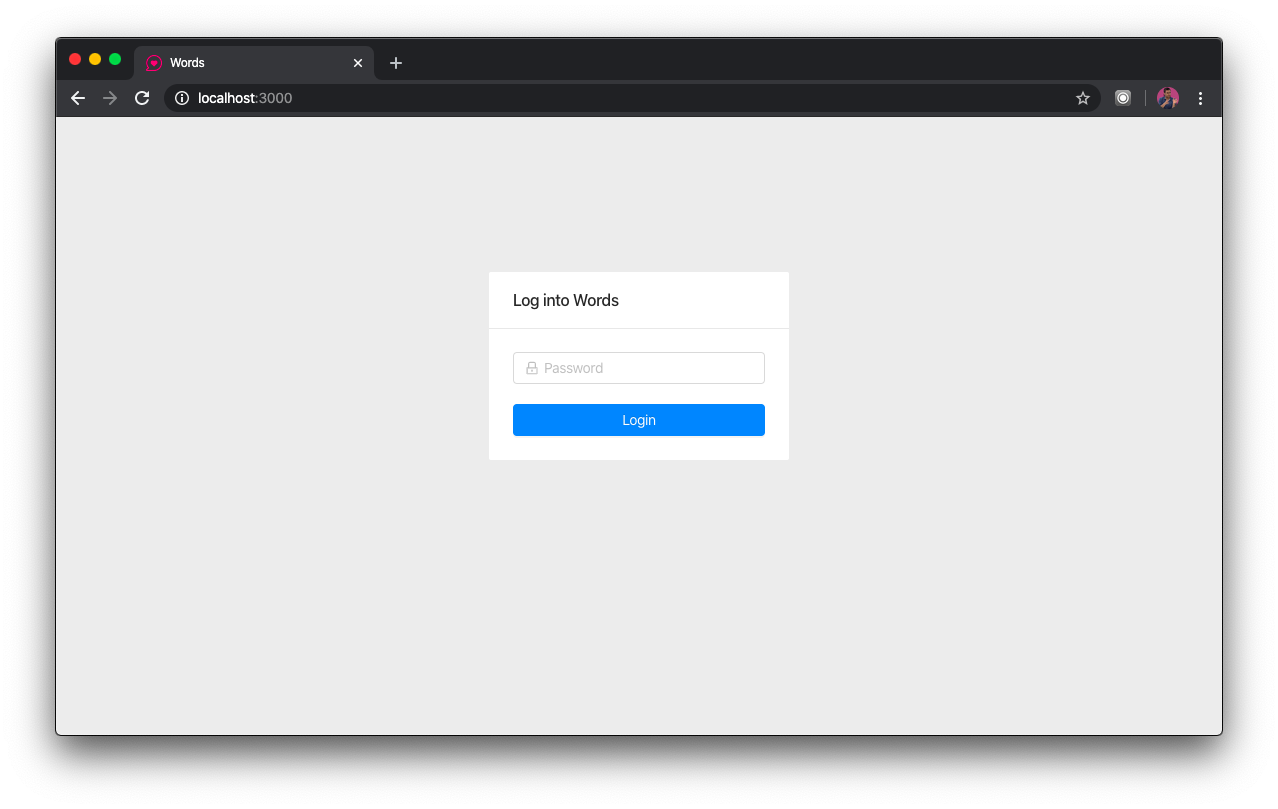
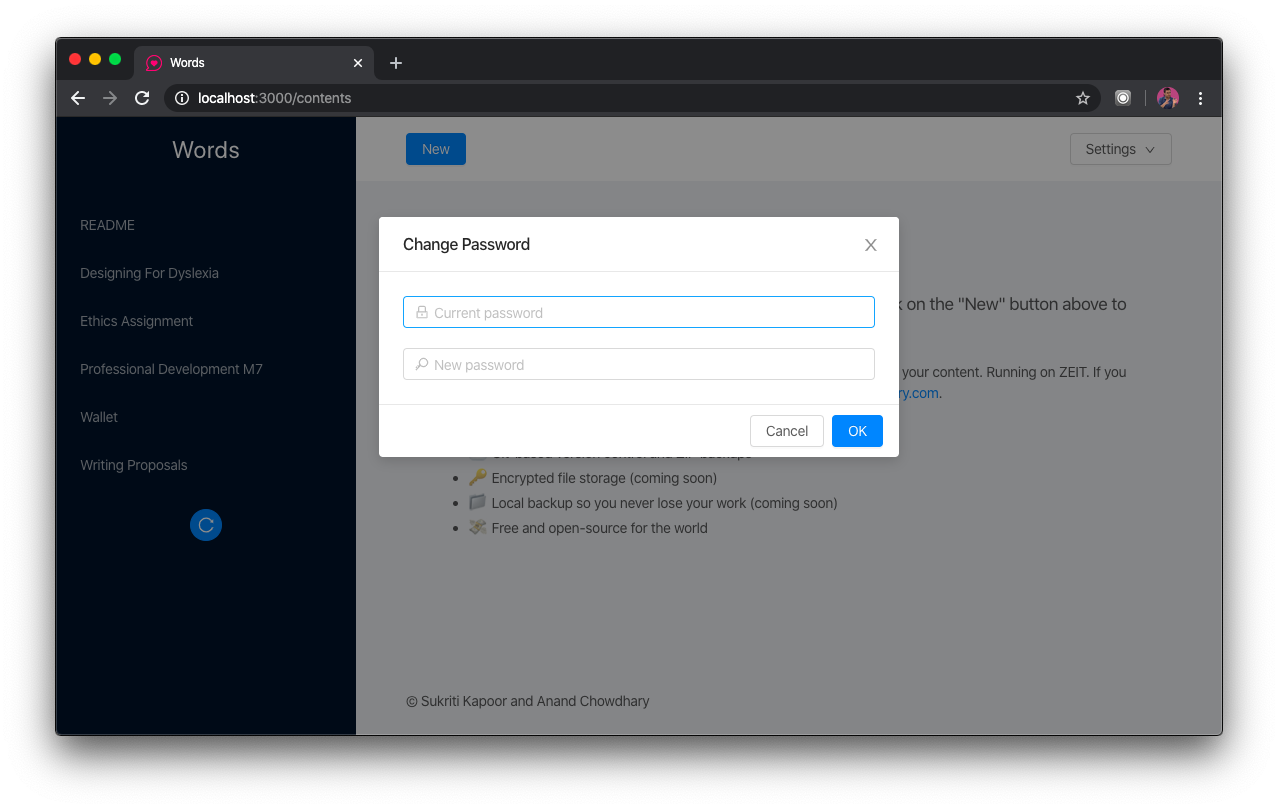
To log into Gitwords, you need a password. This is a hashed string located in password.txt in your private repository. Similarly, an optional secret.txt is used to sign your JWT (with a fallback to your hashed password). Initially, create an empty file and log in with an empty string, then use the “Change password” feature from the UI.